
An 8-bit coding playground for kids aged 5–10. You program characters by building trains: the locomotive is the event, and the wagons are the commands.
The idea
Every character on the stage owns some trains. A train always starts with a locomotive, which says when the train runs: when ▶ is pressed, when the character is tapped, when it bumps into a wall, when a message arrives, and so on.
Behind the locomotive come the wagons. Each wagon is one command: move, turn, say something, wait, repeat, switch gravity on, add 1 to a variable. The train runs its wagons from left to right.
Wagons are colour-coded by category and painted with a pixel icon, so children can read a program without reading words. While the program runs, the wagon that is working right now lights up.
“When ▶ is pressed, say Hi, then hop three times”


What children learn

Red locomotives. Programs react to the world: taps, buttons, bumps, timers and messages.

Blue wagons. Move in tiles, turn in degrees, jump to a spot, get a physics kick.
Purple wagons. Speech bubbles, costumes, colours, size, fading and a drawing pen.
Orange wagons. Waiting, loops, if/else, messages, clones, and winning or losing.

Green wagons. Gravity, weight, solid and ghost bodies, magnets, joints and dragging.

Yellow wagons. Four number boxes A–D, hearts, and showing a score on the stage.
The workspace
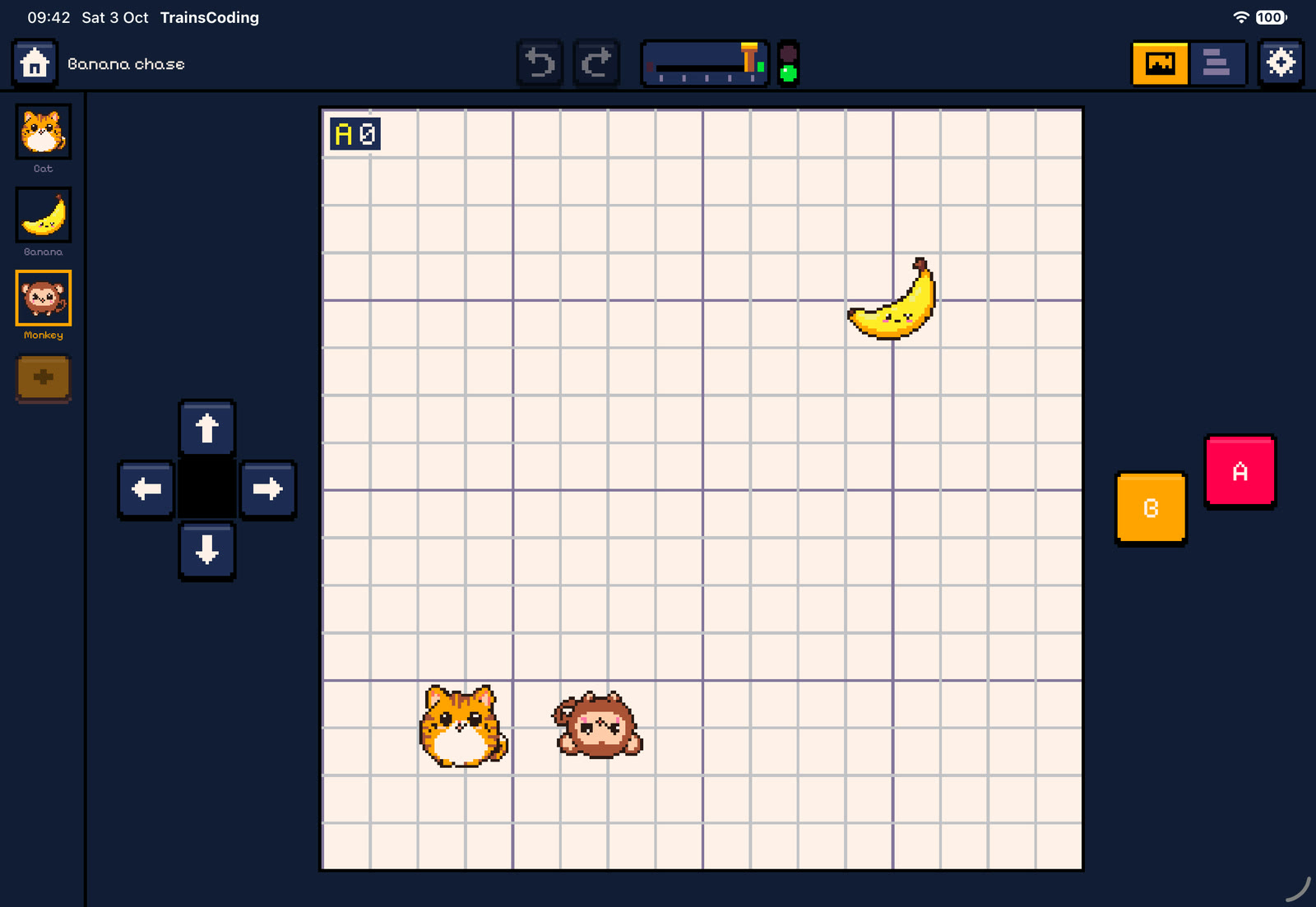
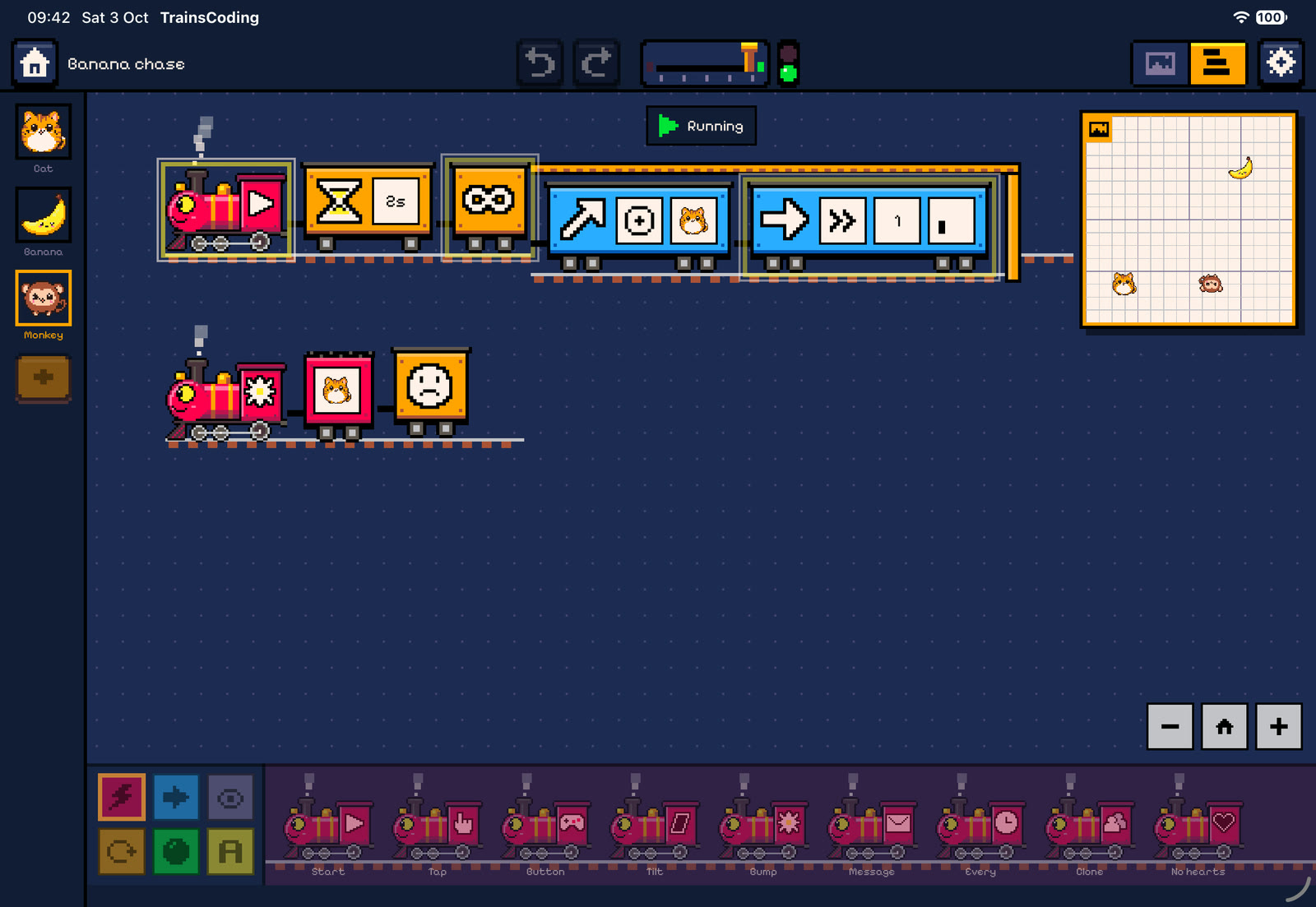
On iPad the stage and the code take turns on the full screen (swap mode), with a live mini stage floating over the code. On Mac they sit side by side with a draggable divider. Tour the workspace →
Documentation
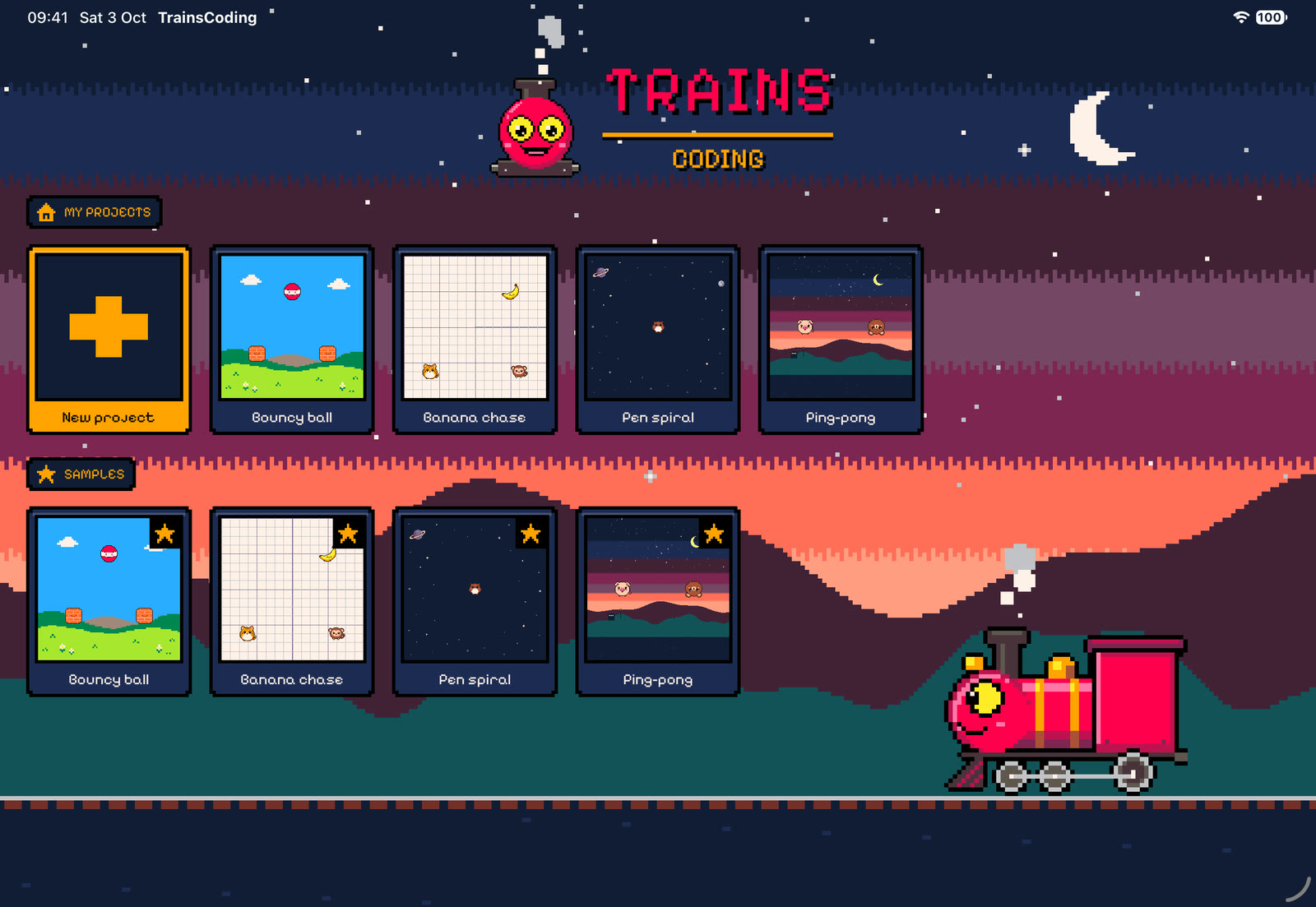
Home screen, projects, the workspace and your first program, step by step.
Open →Building trains: dragging, coupling, nesting, parameters, values and conditions.
Open →The tile world, placing characters, the inspector, settings and controls.
Open →Every locomotive and wagon, with its parameters, defaults and exact behaviour.
Open →Runners, threads, the 60 Hz scheduler, events, physics and win/lose.
Open →The four built-in projects, train by train.
Open →TrainsCoding collects no data at all. Read the privacy policy and the terms of use.
Open →Numbers, random, variables, properties, the timer, comparisons and touching.
Open →